The IRCC Application Status Tracker now supports selected permanent and temporary residence applications, including Express Entry, family sponsorship, study permits, work permits and visitor visas. You generally need an acknowledgement of receipt before creating an account, and the status shown in the tracker should not be confused with a final decision.
What Is the IRCC Application Status Tracker?
The IRCC Application Status Tracker is an online tool that may show an application’s overall status, review sections, application history, contact details, document status and any required next steps.
IRCC states that the information is updated daily. This does not mean every internal action appears instantly, and the absence of a new update does not necessarily mean processing has stopped.
Which Applications Does the Tracker Support?
According to IRCC’s page updated on October 14, 2026, the tracker currently supports:
- spouse, partner or dependent-child sponsorship;
- Express Entry, including CEC, PNP, FSW and FST applications;
- study permits;
- work permits; and
- visitor visas or temporary resident visas.
The principal applicant, sponsored person, sponsor, representative or a designated individual with written consent may be able to use the tracker. Applications outside the supported list must be checked through the appropriate IRCC account or status tool. Canada.ca
You Generally Need an AOR First
IRCC says the tracker can only be used after the applicant receives an Acknowledgement of Receipt (AOR). The AOR is normally issued after IRCC receives the application and checks it for completeness.
An AOR is not an approval. It confirms that the application has entered IRCC’s processing system and provides information needed to identify the file.
When creating an account, personal and application details must match IRCC’s records exactly. Spelling differences or extra spaces may prevent registration.
UCI and Application Number Are Not the Same
A UCI identifies the client and may remain the same across multiple applications. An application number identifies one specific application, so each file may have a different number.
IRCC says application numbers commonly contain one letter followed by nine digits. They can usually be found on the AOR, other IRCC correspondence or in the online account used for the application.
What Do the Overall Statuses Mean?
The tracker may display one of three overall statuses:
- Received: IRCC received the application and is checking whether it is complete.
- In Progress: IRCC is reviewing the application.
- Closed: The application has been approved, refused, withdrawn or abandoned.
“Closed” does not automatically mean approved. Applicants should open the relevant IRCC message or decision letter to confirm the outcome.
Understanding the Review Sections
Depending on the application, the tracker may show:
- eligibility;
- medical examination;
- background verification; and
- biometrics.
A section may be marked Not Started, Waiting on You, In Progress, Completed or Exempted. “Completed” means IRCC finished reviewing that section; it does not by itself confirm approval of the entire application.
If a section says Waiting on You, check both the Your Next Steps area and IRCC correspondence for requests involving passports, police certificates, biometrics, fees or other documents.
Troubleshooting Account Problems
If registration or sign-in fails:
- Confirm that an AOR has been issued.
- Confirm that the application type is supported.
- Enter the name, birth date, UCI and application number exactly as submitted.
- Remove accidental spaces before or after entries.
- Use an updated version of Chrome, Safari, Firefox or Edge.
- Enable JavaScript and cookies.
- Close the browser and retry after repeated unsuccessful attempts.
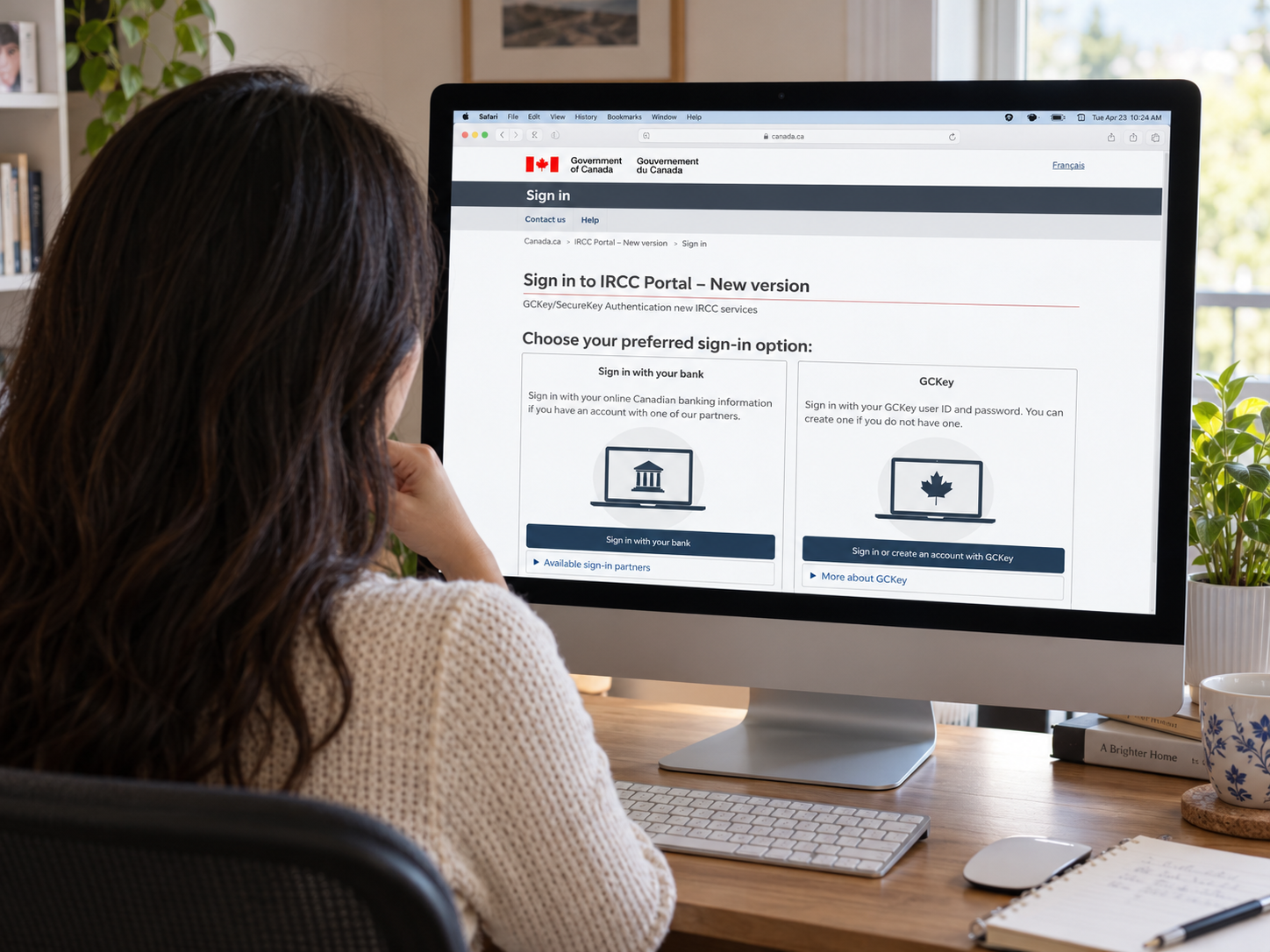
Applicants who create a new GCKey or change their Sign-In Partner may need to re-enter their application information. The GCKey Service Desk can assist with authentication problems but cannot access or explain the immigration file itself.
FAQ
Q1. Can I create a tracker account immediately after submitting my application?
Usually not. IRCC requires an AOR. An online submission confirmation is not necessarily the same document.
Q2. Does “Background Verification: Completed” mean my application is approved?
No. It means that section has been reviewed. The overall status and final decision letter determine the result.
Q3. Should I contact IRCC if the tracker has not changed for several days?
Not necessarily. Compare the file with current processing times and check for outstanding requests first. Use the IRCC web form when a case-specific inquiry or update is necessary.
Disclaimer
This article provides general information based on publicly available IRCC guidance and is not legal advice. A tracker status does not replace an official decision letter or establish authorization to work, study or remain in Canada.