Immigration applicants and practitioners commonly use P1 and P2 to describe two stages of the in-Canada PR confirmation process. These are informal expressions rather than official IRCC program names.
In practice:
- P1 usually refers to the first email requesting basic information and confirming the applicant’s email address and physical location.
- P2 usually refers to the follow-up invitation or instructions for accessing the PR Confirmation Portal.
IRCC officially describes the process as two emails: the first asks for basic information, while the second advises the applicant that they are ready to confirm permanent resident status. If duplicate emails arrive, IRCC instructs applicants to respond to the most recent one.
The subject line, requested details and account instructions may vary. Applicants should therefore answer the questions in their own message rather than relying on an unofficial online response template.
How Should You Respond to the First Email?
The first email may ask for identifying information, the email address to be used for the portal, confirmation of whether the applicant is currently in Canada and certain entry details. IRCC’s public page refers broadly to “basic information,” so no unofficial list should be treated as universally mandatory.
Location must be disclosed accurately for every accompanying family member. If the principal applicant is in Canada while a spouse or child is abroad, the applicant should not state that the entire family is in Canada. Explain each person’s location and follow IRCC’s instructions.
IRCC advises applicants to wait until they are contacted using the email address or telephone number provided in the application. Relevant messages normally come from a mailbox ending in cic.gc.ca, and applicants should also check their junk or spam folders. Canada.ca
What Happens After the Second Email?
- The PR Confirmation Portal generally allows an applicant to:
- review the family members included in the process;
- declare that they are physically present in Canada;
- provide a Canadian mailing address;
- upload a photograph for the first PR card; and
- receive an electronic Confirmation of Permanent Residence after IRCC finalizes the case.
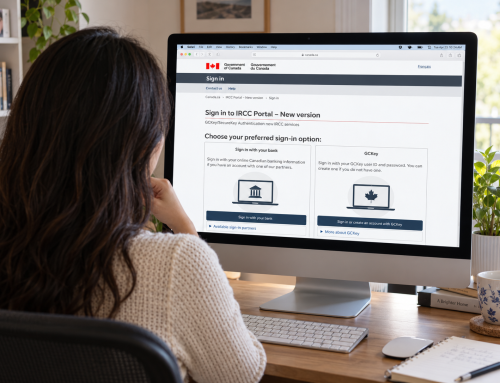
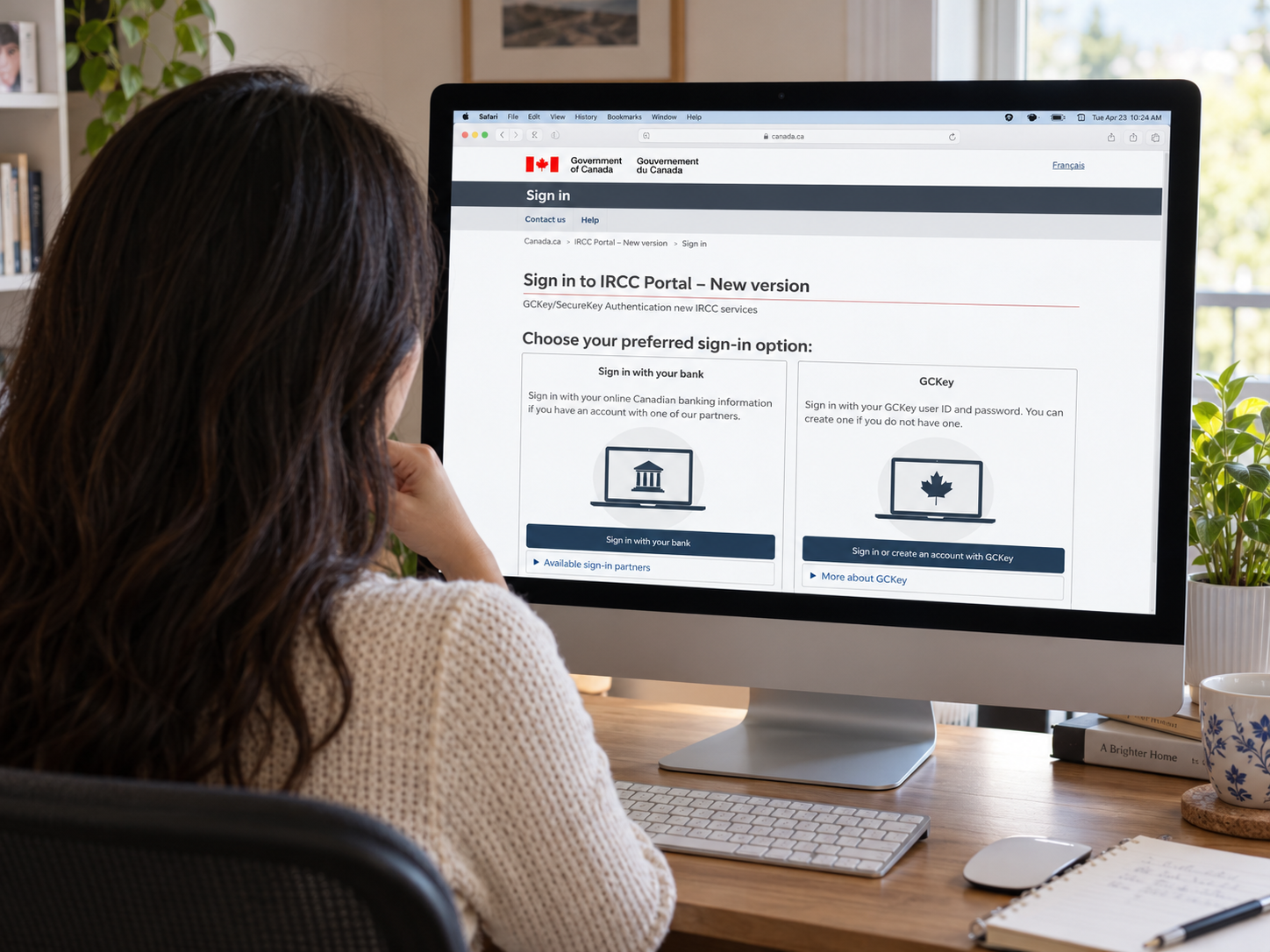
The PR Confirmation Portal is separate from the IRCC secure account used for an Express Entry profile. If the original PR application was submitted through the PR Portal, the same account may be used. Otherwise, IRCC creates the account and provides login instructions.
Applicants should not create another portal account unless instructed to do so. IRCC warns that creating an account independently may delay the process. A temporary password may expire 30 days after the account is created; before the first successful login, password assistance must be requested using the contact information in the invitation.
Does the Portal Declaration Make You a Permanent Resident?
No. Declaring that you are physically present in Canada does not, by itself, grant PR status.
After IRCC reviews the declaration, it uploads an electronic Confirmation of Permanent Residence, or eCOPR, to the portal. The eCOPR records the date the applicant became a permanent resident. IRCC says issuance may take up to a few weeks after confirmation, but this is not a guaranteed processing time for every case.
Download the eCOPR, verify the personal information against the passport and retain the document permanently. It may be used to establish PR status, update or obtain a Social Insurance Number, and access eligible government services while waiting for the PR card.
An error on the eCOPR should be addressed through IRCC’s amendment process rather than altered by the applicant.
Do You Need to Apply Separately for the First PR Card?
Normally, no. Providing an acceptable photograph and Canadian address through the portal starts the first PR card process. However, if the required address and photo are not provided within 180 days after becoming a permanent resident, a separate first-card application may be required. Canada.ca
The address should be a Canadian location where the applicant can personally receive the card. IRCC does not permit a representative’s or another third party’s address to be used for this purpose and does not normally mail PR cards outside Canada.
The photograph should be a professionally taken, recent digital image meeting the portal specifications. Common reasons for return include poor lighting, a non-white background, unclear facial features, glare, incorrect dimensions or an oversized file. Review it carefully before submission because the applicant cannot replace it after selecting “Submit documents.”
What If You Need to Travel?
IRCC cannot finalize the in-Canada portal confirmation while the applicant is outside Canada. If a P1 or P2 message arrives while you are abroad, do not falsely declare that you are in Canada. Contact the address in the invitation and disclose your actual location and expected return plans.
Travel after eCOPR creates a different issue. Once PR status has been granted, the former temporary resident documents should not be assumed to authorize return on a commercial flight. A permanent resident generally needs a valid PR card and passport or travel document. Someone outside Canada without a valid PR card may need a Permanent Resident Travel Document (PRTD).
Applicants expecting to travel during the finalization period should review the timing before booking a non-refundable trip.
Can a Representative Complete the Portal Process?
A representative may explain the process and help prepare the required information. However, IRCC states that a representative cannot use the applicant’s credentials to log in or declare the applicant’s physical presence in Canada. The applicant must personally make a truthful declaration.
Portal credentials should therefore remain private and secure.
FAQ
Q1. Does receiving a P1 email mean my permanent residence is final?
It is an important finalization step, but the email itself does not grant PR status. IRCC must complete the confirmation and issue the eCOPR.
Q2. Can I create my own portal account if the second email has not arrived?
You should not create a new account unless IRCC instructs you to do so. Check your spam folder and contact the office that sent the first message if necessary.
Q3. Can I travel with an eCOPR but no PR card?
Leaving Canada and returning are separate issues. Commercial return normally requires a valid PR card; a permanent resident abroad without one may need a PRTD.
Disclaimer
This article provides general information based on publicly available IRCC guidance and is not legal or immigration advice for a specific case. Procedures may vary according to the email received, each family member’s location, travel plans and application status. Follow the instructions issued in your own IRCC correspondence and obtain professional advice where appropriate.